Riser Desk
Let’s be honest.
When you first hear the words “riser desk” you probably picture something complicated.
Some expensive piece of office furniture that belongs in a Silicon Valley startup, not on your actual budget and definitely not sitting on top of the IKEA desk you have been using for three years.
But here is the thing.
A riser desk is one of the simplest and most effective workspace upgrades you can make today.
And once you understand what it actually does to your posture, your focus, and your daily comfort, you will genuinely wonder how you worked without one for this long.
What Is a Riser Desk
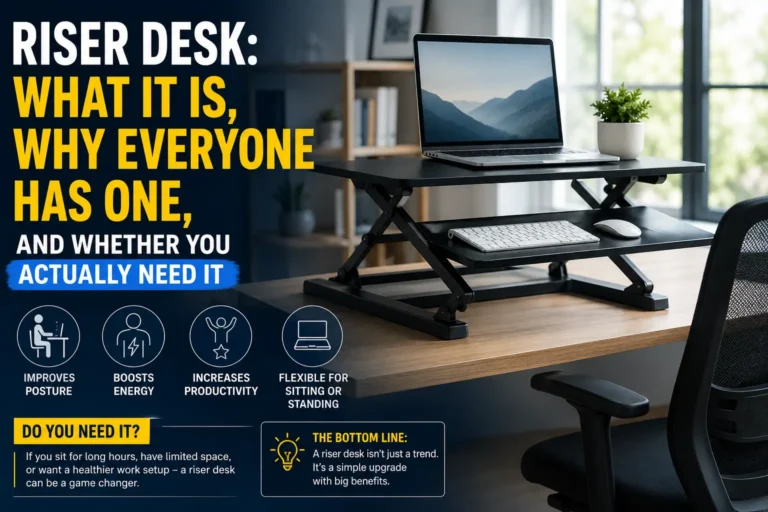
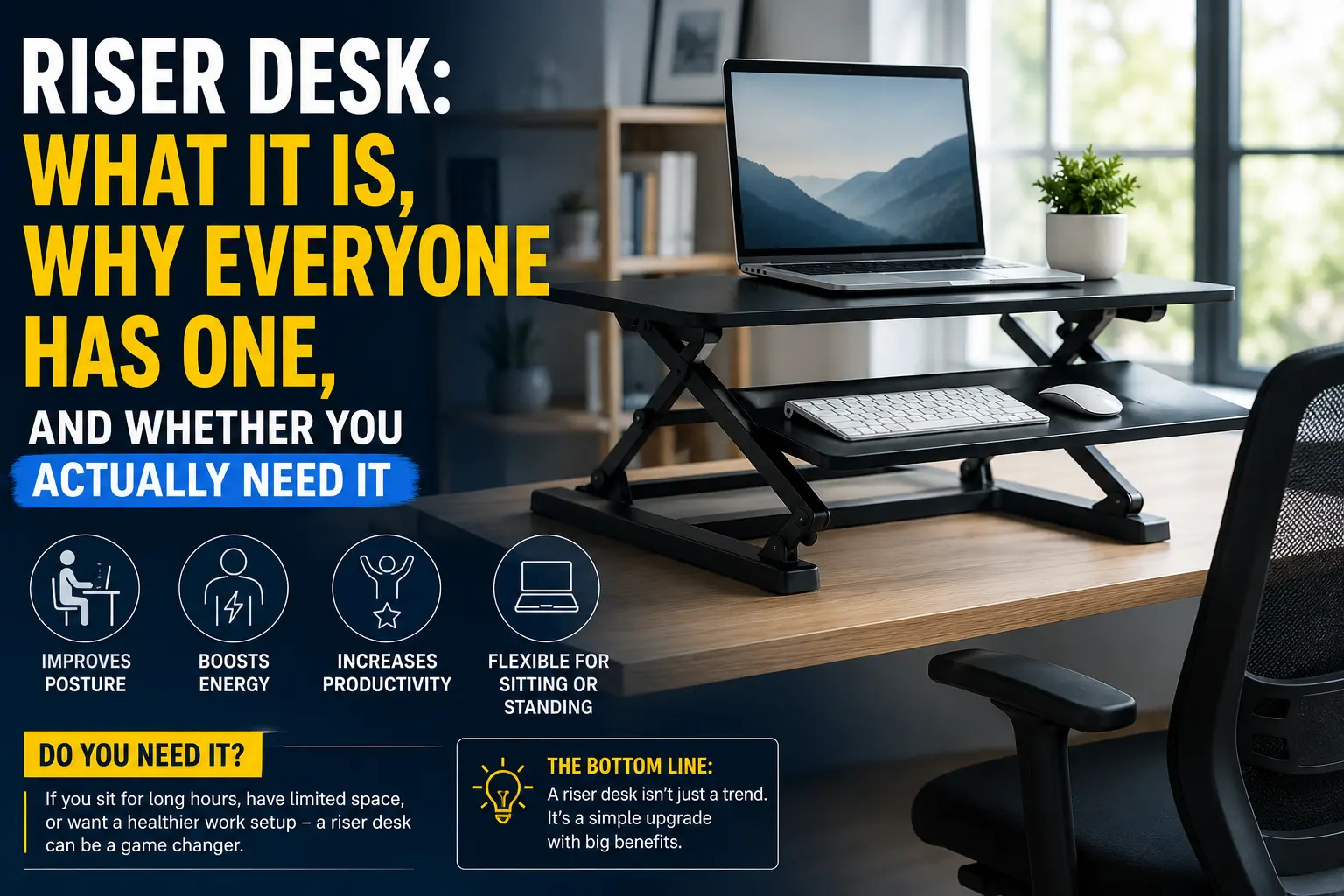
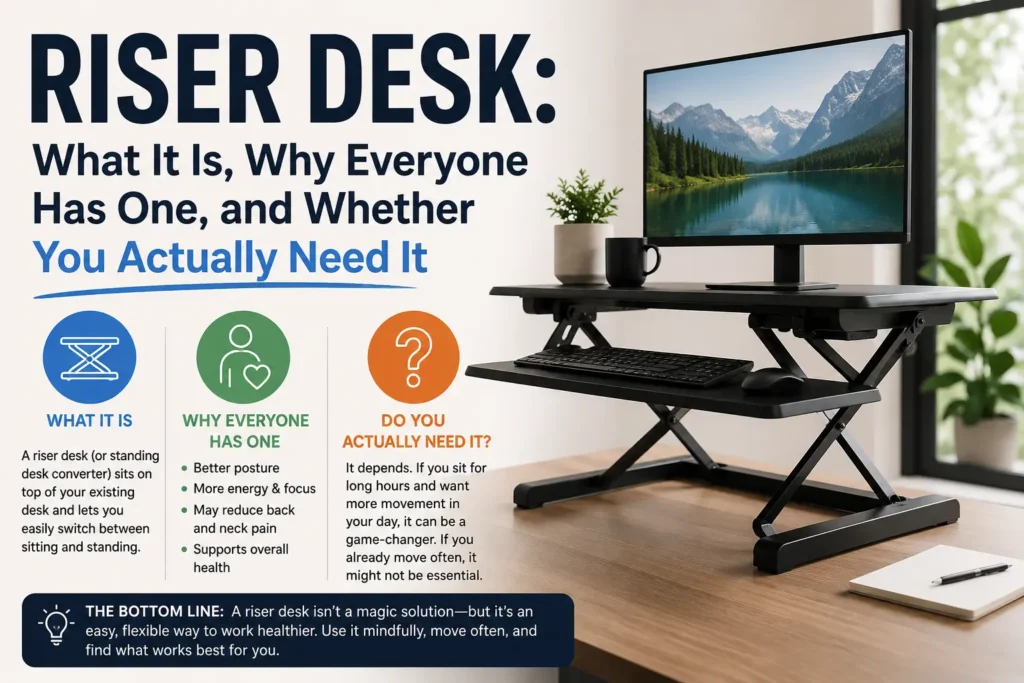
A riser desk is a platform that sits directly on top of your existing desk surface.
That is the whole idea.
It raises your monitor, your keyboard, or your entire workstation to a higher and more ergonomically correct position so you are not spending eight hours a day hunching forward and staring at a screen that is sitting too low for your body.
Some people call it a desk riser. Some call it a monitor riser or a standing desk converter. Different products, same core concept: lifting your workspace up to meet your natural eye level instead of forcing your neck and spine to constantly bend downward to meet your workspace.
You do not need to replace your existing desk. You do not need to drill anything into the wall or assemble anything complex. You place the riser on your current surface, position your monitor and keyboard on top of it, adjust to the right height, and your setup is immediately and noticeably more ergonomic than it was five minutes earlier.
That simplicity combined with the clear physical benefit is exactly why riser desks became so popular during the remote work shift and why they have remained a staple purchase for anyone serious about their home office setup ever since.
Why the Riser Desk Became So Popular
Here is some useful context before we get into the product details.
Before 2020 the average office worker spent most of their working day at a desk that their employer selected and configured for them. Monitor height, chair height, keyboard position, desk surface level. None of it was optimized for any specific individual. It was whatever the facilities team bought in bulk and set up without much thought for ergonomics.
Then tens of millions of people around the world moved to permanent or semi-permanent home offices almost overnight.
Suddenly everyone was working at kitchen tables, on dining chairs, with laptop screens sitting flat on whatever surface was available. Neck pain became universal. Upper back tightness became a daily complaint. Eye strain from looking down at screens for hours became something people accepted as normal when it absolutely is not normal and does not have to be.
The riser desk solved a specific and widespread problem that enormous numbers of people discovered at exactly the same moment: your screen is almost certainly positioned too low for healthy extended use.
When your monitor sits flat on a standard desk surface it forces your head and neck to tilt downward at an angle. Over a full working day that tilt puts significant and cumulative strain on your cervical spine and the muscles supporting your neck and upper shoulders. Raising the screen to a position where your eyes look straight ahead or very slightly downward eliminates that strain almost immediately.
But the ergonomic benefit was only one part of why these products took off so dramatically.
Standing desk converters, which are a specific type of adjustable riser desk, gave remote workers the flexibility and health benefits that full motorized standing desks offer at a fraction of the cost. A proper height-adjustable electric standing desk can cost anywhere from $400 on the low end to well over $1,500 for quality options. A good adjustable riser desk that delivers similar sitting-to-standing flexibility often costs between $80 and $300 depending on size and build quality.
For home office workers trying to build a genuinely good setup without a corporate equipment budget backing them, that cost comparison made the decision straightforward.
The Different Types of Riser Desks Worth Knowing
Not all riser desks are the same product. The market has several distinct categories and understanding the differences helps you buy the right thing the first time.
Monitor riser is the most basic and most affordable version. It is a solid elevated platform, sometimes hollow underneath with useful storage space for keyboards or accessories, that lifts your screen to a fixed height above the desk surface. No moving parts. No adjustment mechanism beyond where you physically place it. Most fixed risers raise your monitor by somewhere between four and six inches which is enough for many people with average desk and chair heights.
Standing desk converter is the most popular and versatile type of riser desk on the market right now. It sits on your existing desk and can be raised or lowered through a mechanism that is either a handle-based lever system, a counterbalanced pneumatic lift, or in premium models a smooth gas spring. You can switch your entire workstation from a sitting height to a comfortable standing height in a matter of seconds without clearing anything off the surface. Most converters include a separate lower tier specifically for your keyboard and mouse so that when you stand your arms and wrists stay at the correct ergonomic angle rather than reaching uncomfortably upward to a raised surface.
Monitor arm is technically a different category but gets grouped with riser desks frequently because it solves a similar positioning problem. It clamps to the edge of your desk and suspends your monitor on an adjustable articulating arm that you can position precisely at any height, angle, and distance. It frees up your entire desk surface and gives you the most granular control over monitor placement of any solution available. Combined with a basic keyboard tray or riser it creates a highly customized and fully adjustable setup.
Full surface riser lifts your entire desk work area as a single unit rather than just raising the monitor and keyboard separately. Less common in consumer markets but genuinely useful if you work with physical documents, drawing tablets, multiple connected devices, or any workflow where you want everything elevated together at once rather than dealing with separate tiers.
What Actually Matters When You Are Shopping
If you are looking to buy a riser desk right now, here are the factors that make a real difference in daily use versus the marketing features that mostly do not matter.
Weight capacity should be the first specification you check before anything else. If you have dual monitors, a large ultrawide display, or any additional equipment that will sit on the riser surface, verify that the product is rated to comfortably handle the combined weight of everything. Most quality risers handle between 20 and 35 pounds reliably. Budget products with inadequate weight ratings will wobble noticeably, degrade faster under sustained load, and feel unstable in a way that makes expensive monitor equipment feel at risk.
Height range determines whether the specific riser you choose actually solves your personal ergonomic problem. A product that only adjusts up six inches may be completely insufficient if you are taller than average or if your current chair and desk combination already has your monitor at a mid-height position. Look for adjustable models offering a total range of at least ten to fifteen inches so you have real flexibility to find the position that genuinely puts your screen at your specific eye level.
Surface width is something many buyers overlook until they realize their monitor does not fit. If you use an ultrawide monitor, a large format display, or a dual monitor setup, a narrow riser simply will not accommodate your hardware. Measure the physical footprint of your monitor configuration carefully before selecting a riser and compare it against the product’s stated surface dimensions with a meaningful margin for comfort.
Stability under load is often the single biggest differentiator between budget options and quality products at the same price point. A riser that wobbles when you type, sways when you adjust it, or flexes noticeably under the weight of your monitors is genuinely frustrating to use daily. Prioritize reviews that specifically comment on build quality and stability rather than just aesthetics.
Cable management features sound like a minor detail but matter more than most people expect in actual daily use. Quality riser desks include channels, integrated clips, or cutout routing points to keep cables organized and out of sight. When your monitor, keyboard, speakers, and accessories are all elevated, unmanaged cables hanging loosely off the edge of a raised surface become visually distracting and physically annoying very quickly.
Does a Riser Desk Actually Make a Noticeable Difference
The straightforward answer is yes, meaningfully so, for the large majority of people using standard desk setups.
The research on ergonomic workstation positioning is consistent and has been replicated across many studies. Monitors positioned at eye level measurably reduce neck and upper back strain. The ability to alternate between sitting and standing through a working day reduces fatigue and lower back discomfort. Keyboards and pointing devices positioned at an elbow-height angle reduce the cumulative strain on wrists and shoulders that leads to repetitive stress problems over time.
None of these benefits require expensive interventions. They require correct positioning of the equipment you already own.
A riser desk is fundamentally a positioning correction tool. It takes the monitor you already have and places it where it should have been positioned all along. The ergonomic benefit is not coming from any property of the riser itself. It is coming from the physical repositioning it enables.
The people who notice the most dramatic and immediate improvement are those who were working on laptops sitting flat on desk surfaces, or with monitors at factory-default low positions with no adjustment. For these users even a basic fixed-height riser brings noticeable and immediate physical relief from the very first day.
How a Riser Desk Fits Into a Complete Home Office Setup
A riser desk works best as one thoughtfully chosen component within a broader ergonomic workspace rather than as a standalone fix applied to an otherwise poorly configured setup.
The foundation is always your seating. A chair that does not support your lumbar region properly, or that does not allow your feet to sit flat on the floor with your hips at a neutral angle, will undermine the benefits of any amount of monitor adjustment. Start there if you have not already.
From the right seating position, a riser desk handles the upper body side of the ergonomic equation. Monitor at eye level. Keyboard and mouse positioned so your elbows stay at roughly 90 degrees. Screen distance at approximately arm’s length from your face to reduce eye strain.
The broader shift toward permanent remote work is connected to larger economic patterns. The automaker production relocation to US trend reshaping manufacturing jobs across North America is one signal of how fundamentally the nature of work is changing. More people working remotely long term means more people who need genuinely good home office infrastructure rather than temporary workarounds.
For anyone building a serious home office setup in 2026, the riser desk remains one of the highest-return investments available. It works with furniture you already own, solves the most common ergonomic problem in a single purchase, and costs a fraction of what a full standing desk replacement would require.
If you are also thinking about the technology side of your workspace, our breakdown of battery storage developments in 2026 covers how energy infrastructure is evolving in ways that affect everything from home power reliability to the gadgets we depend on daily.
The Bottom Line on Riser Desks
A riser desk is not a complicated product and it does not need to be.
It raises your workspace to where your body needs it to be. It protects your posture over long working days. It costs significantly less than almost any other meaningful ergonomic upgrade you can make to a home office setup.
Whether the right choice for your specific situation is a basic monitor riser, a full standing desk converter with pneumatic height adjustment, or a monitor arm combined with a keyboard tray depends on your particular setup, your budget, and how much positional flexibility you want throughout your working day.
Start by measuring where your eyes naturally rest when you are sitting upright with relaxed shoulders. Then measure where your monitor screen center currently sits. If there is a meaningful gap between those two points with your eyes looking down rather than straight ahead, a riser desk will make a real and lasting difference from the first day you use it.
That is the honest, complete version of what a riser desk is and what it does for you.
The only remaining question is which specific type fits your desk, your monitors, and the way you actually work every day.
About The Author